Digital signage for every industry
Every screen in your business, selling on its own.
Turn the screens you already have into self-selling assets. Live inventory and service status on every wall; customers scan the screen to book and get a text when they’re ready. Monthly promotions designed for your business by the AI Signage Studio, free internet radio, synced video walls and playback that keeps going offline, all from one dashboard.
- Live inventory
- Service status
- Text when ready
- QR bookings
- AI promotions
- Free internet radio
- Business-hours power
From $29 a month with a player license included · Each player or screen requires a license. · more licenses $10 a month each · Amazon Fire TV Stick compatible · No contract
See it live
Built for every wall in your business.
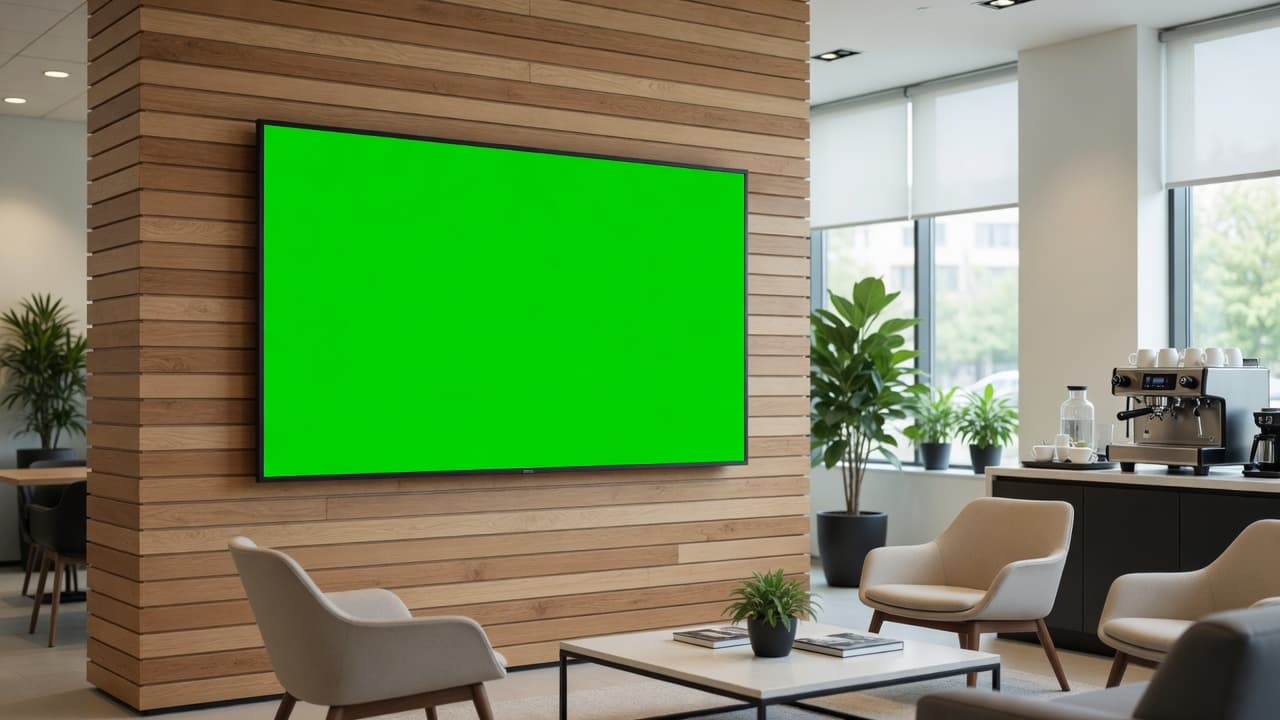
Pick a business. What you see on each wall-mounted display is the actual DealerSign player, running in your browser right now.
Every screen in your dealership, selling on its own.
This is the real DealerSign player running right now inside the photo, not a recording. Every display shown is wall-mounted, the way we install them.
Customer Connect
Customers scan the QR code on any screen and sign in with a text code, no password. They book from your services and get a text the moment they’re ready. Times never overlap: the booking engine only offers free slots, and the database refuses a double booking.
- Scan, text code, booked in 30 seconds
- “You’re ready” texts, reminders and review requests
- An email for every request, plus a 7 am agenda
- English and French, consent and STOP handled
Only free times are offered. No double bookings.
Synced screens and video walls
Every screen has its own player, so each one can show its own content. Put several screens in a synced group to carousel one loop down a row of screens, change a menu board across every panel at once, or play one picture across a video wall.
- One player per screen, each with its own content
- Carousels and synced menu boards across screens
- Video walls across several players
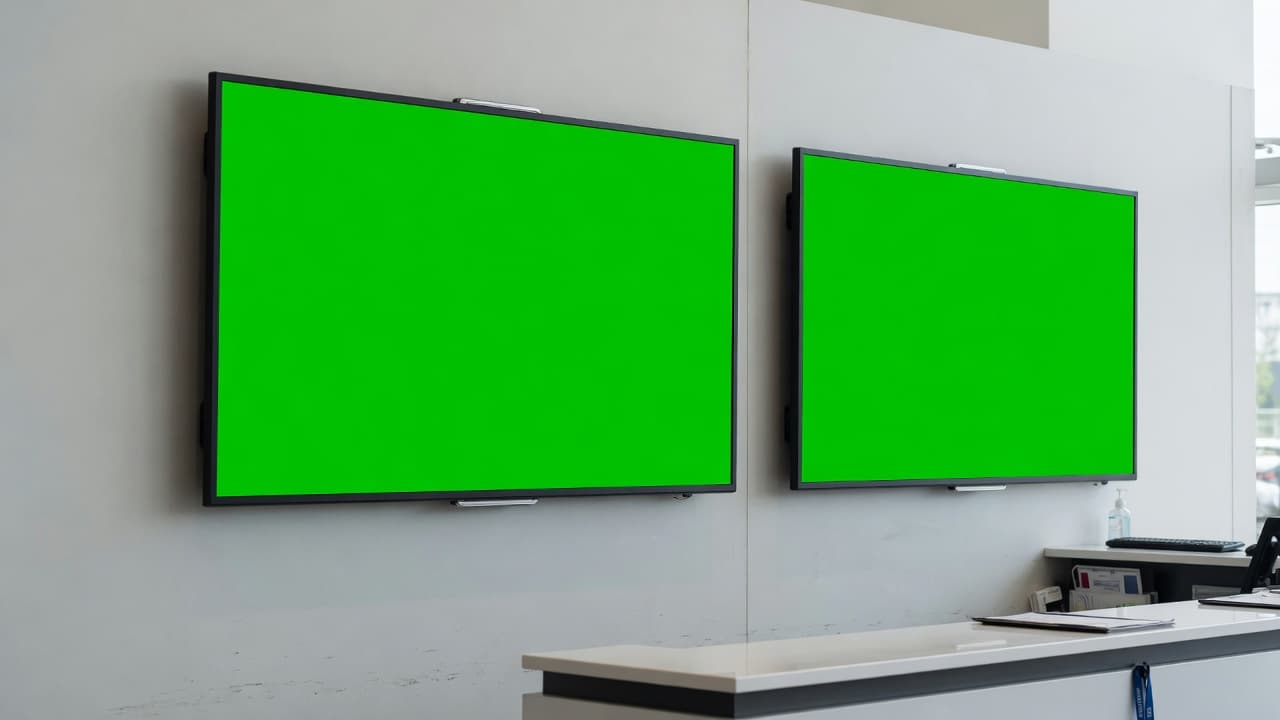
Two screens, synced
Status on the left, specials and a scan-to-book QR on the right. Each screen has its own player; a synced group keeps them in step.
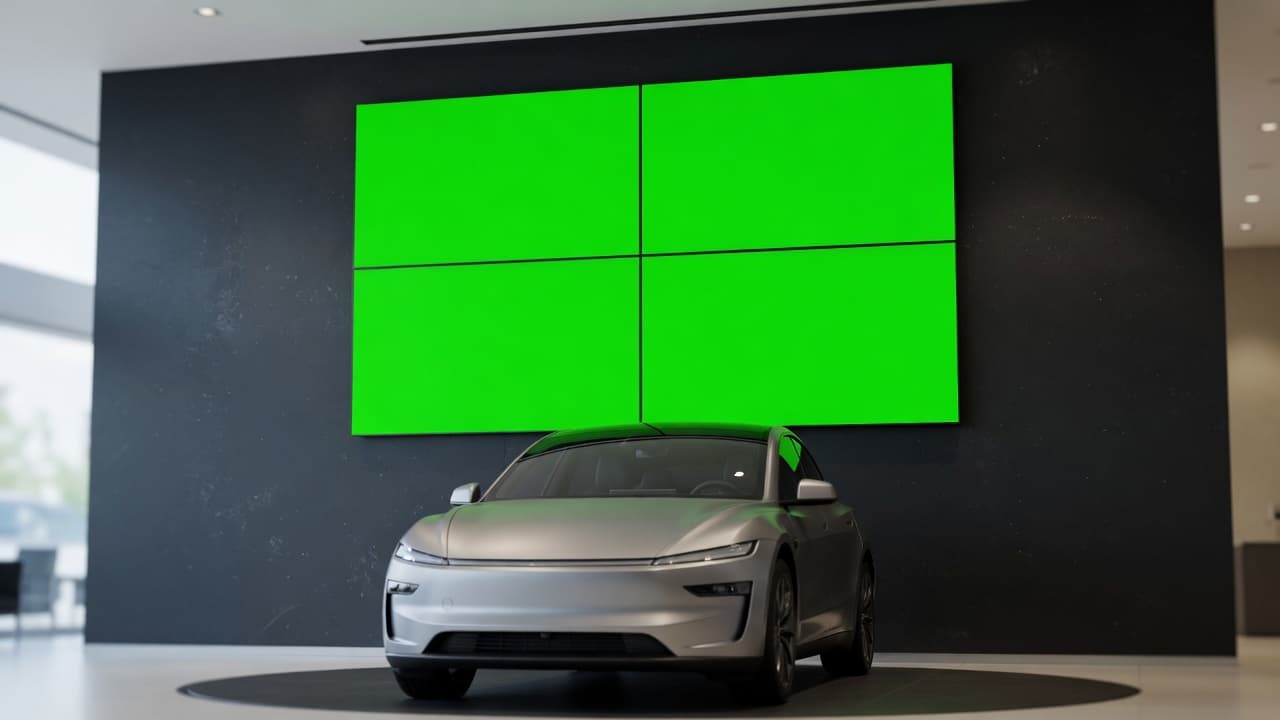
Video wall
Four wall-mounted panels play one spotlight edge to edge.
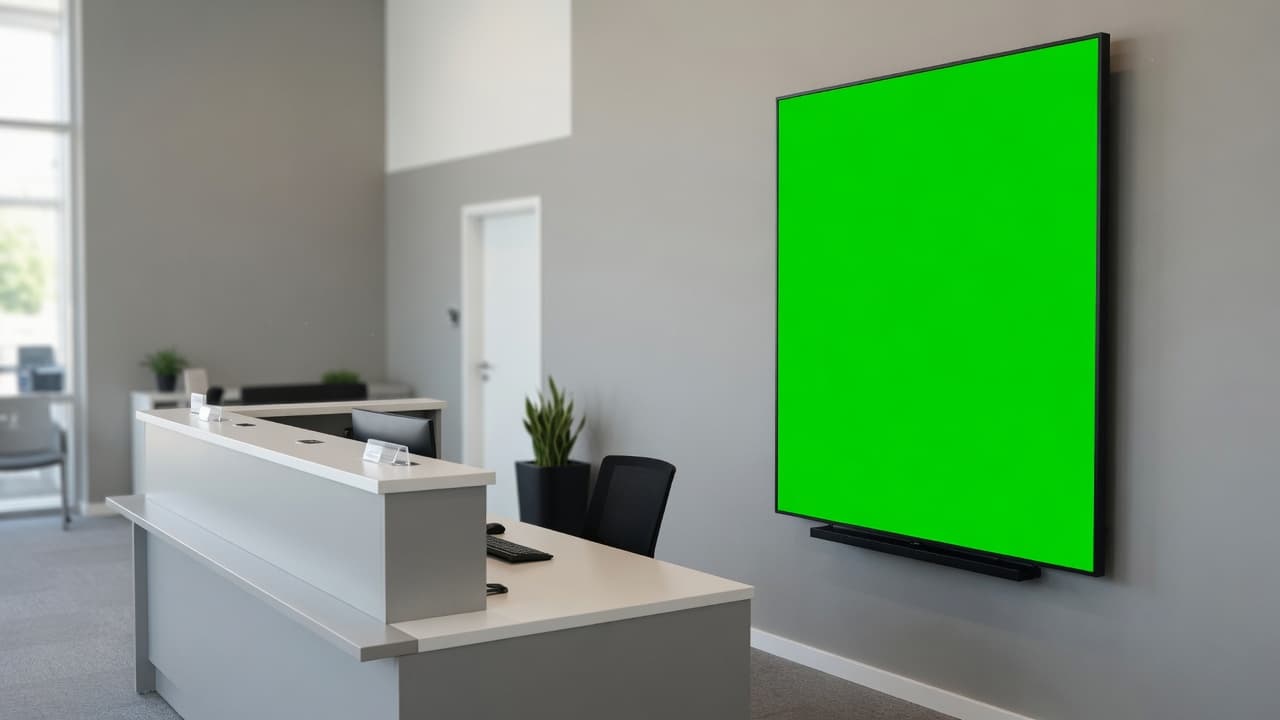
Front desk
A portrait display beside the desk invites customers to scan and get a text when they’re ready.
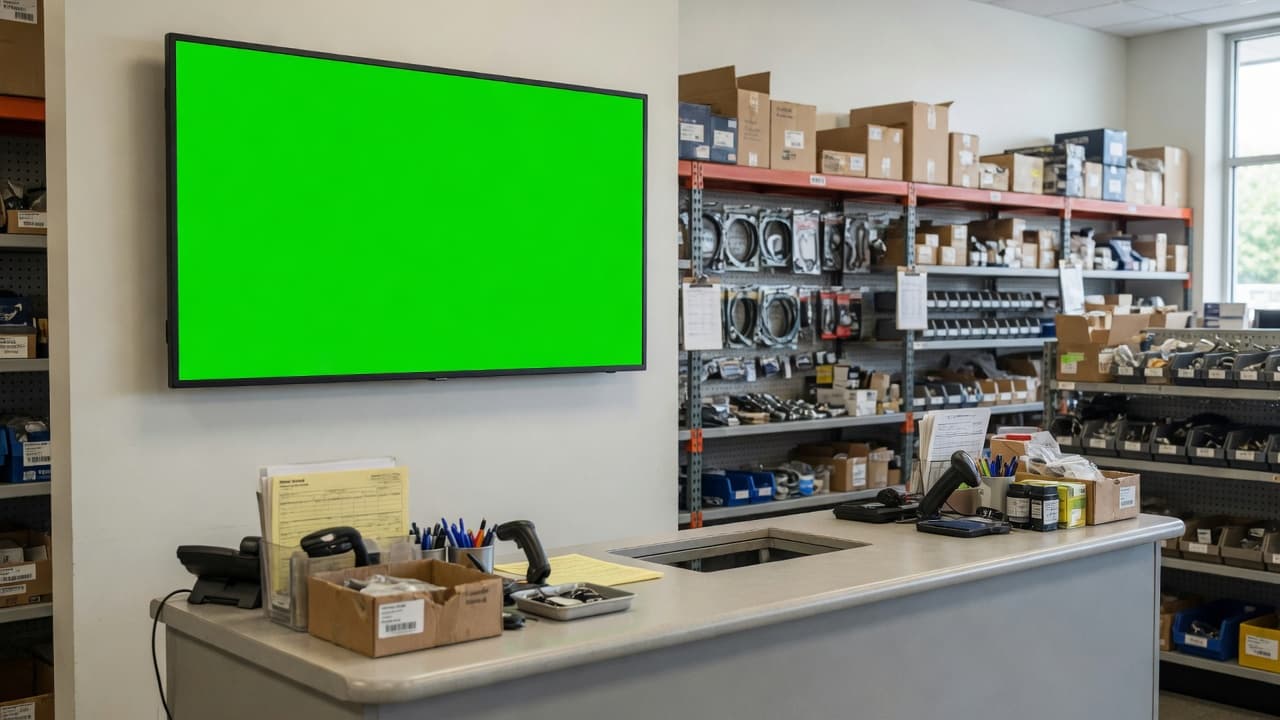
Counter
Specials above the counter, with a ticker for today’s deals.
Deployment options
A Fire TV Stick, the Signage Player, or a display that needs neither.
Every screen runs on one player. Each player or screen requires a license. Mix them across locations: whether a screen runs on an Amazon Fire TV Stick, the Signage Player or a commercial display's built-in player, it is managed from one dashboard.
The fastest start: a Fire TV Stick on any TV.
Plug an Amazon Fire TV Stick into any TV with HDMI, install the DealerSign Player app and type the code it shows into your dashboard. The step-by-step install guide is waiting in your dashboard as soon as you sign up. Each stick runs one screen, managed like every other player.
- Set up in minutes, no IT visit
- Starts by itself after a power cut
- Plays offline from its own cache
- Remote screenshots, restart and updates
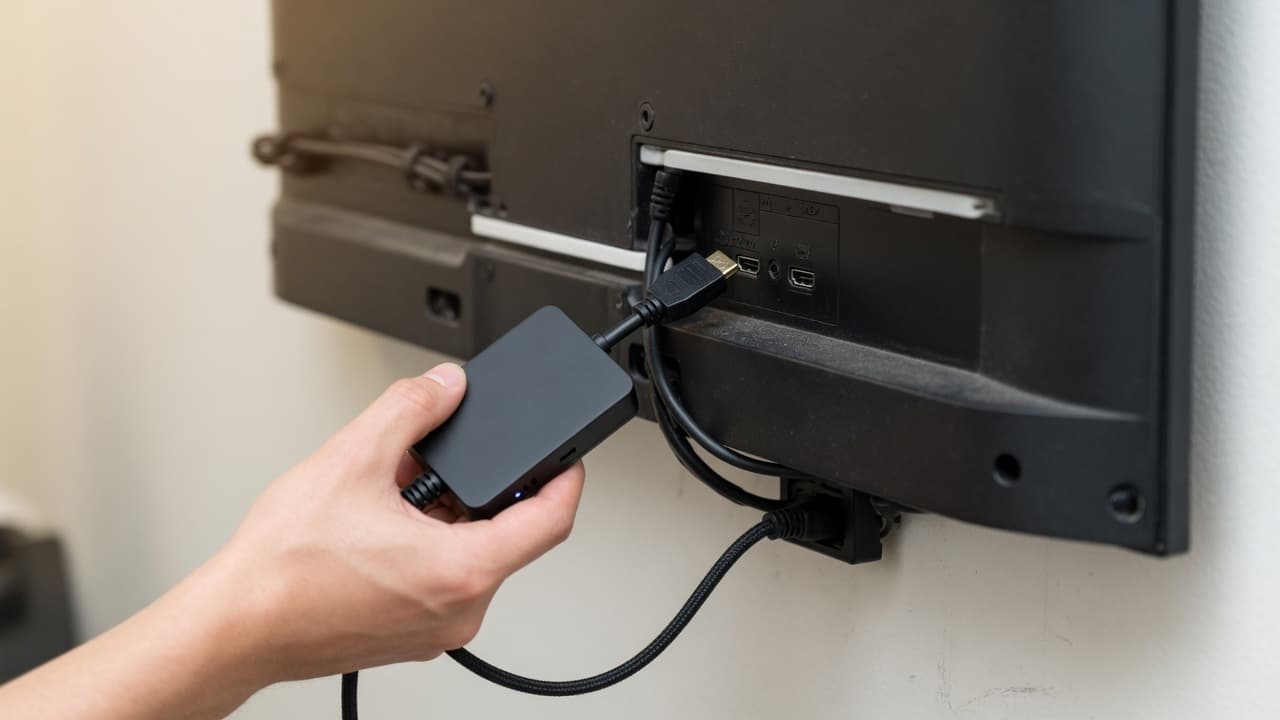 Option 2 · Signage Player
Keep your TVs. Add the Signage Player.
Any TV with HDMI becomes a managed DealerSign screen. Plug the player in, power it on, type the six-letter code it shows into your dashboard. Live in ten minutes, no IT visit, no router changes.
- Works with the TVs you already own
- Plays offline from a verified cache
- Wi-Fi or Ethernet, outbound only
- Signed automatic updates
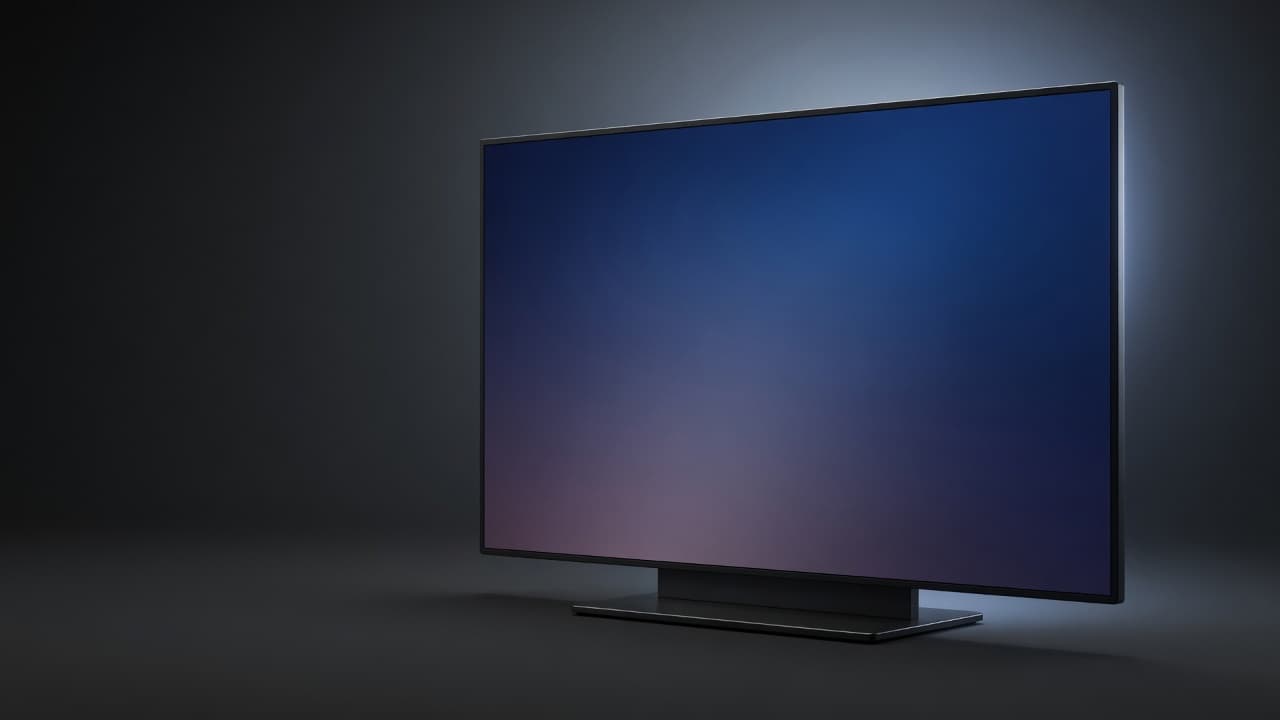 Option 3 · Direct
Commercial displays, no box at all.
Samsung commercial displays and other professional signage displays run DealerSign straight from their built-in web player over Wi-Fi or Ethernet. Point the display at your DealerSign link, pair it with a code and manage it like every other screen.
- Samsung Tizen (URL Launcher)
- LG webOS signage
- Android TV (DealerSign Player app)
- BrightSign and any Chrome kiosk
Features
Everything a business screen needs, and nothing it doesn’t.
Generic signage tools make you design posters. DealerSign starts from your products or menu, your services, your hours and your departments.
Live inventory, menus and listings
Connect your products, menu or listings once, from a Google Sheet, a CSV or JSON export or your website’s feed. Prices, photos and details update on every screen by themselves.
Nothing airs until a manager approves it.
AI Signage Studio
On the 1st of every month you get fresh promotions designed for your business, each location and the season. Edit, preview and approve. Ask the slide assistant for anything else.
Connected devices report
Every screen reports its display model, connection type, Wi-Fi signal, measured speed, internet provider and addresses. Run a speed test, ping, test pattern or log upload from the dashboard, and get an alert before a weak signal becomes a dark screen.
Displays that follow your hours
Set business hours per location, department or screen, add holidays, and displays switch themselves on before you open and to standby after close over HDMI-CEC, RS-232 or the display’s network control. The player stays on 24/7, so content is ready the second the screen wakes.
- Unbox and mount
- Plug in power, HDMI, network
- Scan the code on the TV
- 4Pick the location and department
- 5Live in under 10 minutes
Scan-to-pair setup
Every new screen shows a QR code. Scan it with your phone, pick the location and department, and the screen is live. Orders come with printable setup cards, and certified installers in Ontario handle mounting, power and network runs if you prefer.
Install the app, scan the code on the screen, done. Starts by itself after a power cut, heals itself and plays offline.
Amazon Fire TV Stick compatible
Plug an Amazon Fire TV Stick into any TV, install the DealerSign Player app with the step-by-step guide in your dashboard, and pair it with the code on the screen. It starts by itself after a power cut, heals itself if anything stalls and keeps playing from its offline cache. Android TV displays run the same app.
Emergency takeover
Closing early for weather, a notice everyone must see, an event starting now: put one message on every screen, or chosen screens, in seconds. It clears itself when time is up.
QR codes you can measure
Every product card and promo carries a QR code to your page, form or booking, and DealerSign counts every scan by slide and by screen. Finally know which screen sells.
Remote management
See every screen at every location: online status, temperature, storage and a live screenshot. Refresh, identify or reboot from your phone. Players update themselves with signed, verified releases and roll back on their own if anything goes wrong.
Every industry
Set up in your own words.
Dealerships and repair shops, restaurants, cafés and bars, hotels, shops, salons, gyms, clinics, real estate, schools, churches and offices get the same system, with the screens, the dashboard and the words set up for how they work.
AI Signage Studio
On the 1st of every month you get fresh promotions designed for your business, each location and the season. Edit, preview and approve. Ask the slide assistant for anything else.
- Business, location and season specific
- Email when new promotions are ready
- Nothing airs until a manager approves it
Nothing airs until a manager approves it.
Internet radio, included
Music in the waiting room, the lobby or the sales floor without another subscription or a phone on a speaker. Pick from more than 50,000 free internet radio stations by genre, country or name, and choose what plays in each department, group or screen. Set the volume, mute a room or add quiet hours from the dashboard, and the screens follow within a minute.
- More than 50,000 free stations: search by genre, country or name
- Different music per department, group or screen
- Volume, mute and quiet hours from your phone or desk
- One display per room plays the sound: no echo between screens
- Turns itself down while a video with sound plays
- Waiting roomSoft jazzVolume 35
- ShowroomClassic rockVolume 55
- Service laneQuiet hours until 9:00Off
Compare
Made for your business, not for posters.
What you get with DealerSign that generic signage software leaves to you.
| Capability | DealerSign | Generic signage |
|---|---|---|
| Live inventory, menus or listings with prices, photos and QR codes | Yes | Manual slides |
| Live status boards: service, orders, the line | Yes | No |
| Internet radio in every room, controlled from the dashboard | Included | Separate music service |
| Customers book and get “ready” texts from the screen | Yes | No |
| Monthly promotions designed for your business, approved by a manager | Yes | No |
| Synced screens and video walls across players | Yes | Extra software |
| Displays follow your business hours (CEC, RS-232, network) | Yes | Display timers |
| Connected devices report: signal, speed, ISP, IPs | Yes | Online / offline |
| Scan-to-pair setup and printable setup cards | Yes | Codes typed by hand |
| Keeps playing through internet outages | Yes | Varies |
| Proof of play by slide and screen | Yes | Add-on |
| Installation and electrical in Ontario | Yes | No |
Return
What could your screens earn?
Move the sliders to your own numbers. The defaults are deliberately modest.
- DealerSign a month
- $79
- Add-ons from on-screen specials
- $450
- Sales from QR scans
- $450
- Estimated return
- 11×
An estimate from your own numbers, not a promise. Hardware and installation are one-time and not included. QR scans are measured per slide and per screen in your dashboard, so you can check these assumptions within a month.
Departments
One system. The right content in every department.
Choose what each department may show, schedule to a whole department across every location, and switch features on or off for your team.
Entrance
Greetings, hours and directions
Front counter
Offers and a scan-to-book QR
Waiting area
Welcome, the line and “ready” texts
Sales floor
Products and prices from your feed
Menu boards
Menus synced across every panel
Service area
Live status boards and specials
Staff room
Goals, schedules and team news
Window
After-hours offers facing the street
Plan it
Design your deployment in minutes.
The Deployment Builder turns your floor plan into one quote: displays, mounts, players, installation and your plan.
- 1
Add each location and department
Showroom, service lane, waiting room, parts counter…
- 2
Choose displays and mounts
Samsung displays connect directly; any other display gets a $199 Signage Player. Mounts match the display size.
- 3
Add installation if you want it
Certified installers in Ontario, with dedicated 120V circuits and Cat6 runs priced by the foot (100 ft minimum).
- 4
Check out once
Hardware, installation and your plan in one checkout, with printable setup cards for every screen.
Pricing
Simple plans, player licenses included.
Each player or screen requires a license. Standard includes 1 player license with AI Signage Studio Lite. Pro includes 2 player licenses with the full AI Signage Studio. More player licenses are $10 a month each on either plan. Hardware is a one-time purchase you own.
Standard
AI Signage Studio Lite and 1 player license included
US$29/ month
CA$39 in Canadian dollars
Billed monthly, cancel any time
1 player license included · more US$10 a month each
- 1 player license included
- More player licenses for $10 a month each, any quantity
- All 12 dealership templates
- Internet radio: more than 50,000 free stations, music per department, volume and quiet hours
- Live inventory from Google Sheets, CSV, JSON, XML and RSS feeds
- Multi-zone layouts, playlists and dayparting
- Departments, screen groups and feature controls
- Remote management, screenshots and signed player updates
- Proof of play, uptime and QR scan analytics
- AI Signage Studio Lite: 2 AI promotions a month, AI copywriting, 25 assistant messages
- Real photos made for every slide, blended into the design (20 a day)
Pro
Full AI Signage Studio and 2 player licenses included
US$49/ month
CA$69 in Canadian dollars
Billed monthly, cancel any time
2 player licenses included · more US$10 a month each
- 2 player licenses included
- More player licenses for $10 a month each, any quantity
- Every Standard feature
- AI Signage Studio: 4 store, location and season-specific promotions every month
- Real photos made for every slide and promotion (60 a day)
- Unlimited* slide assistant conversations and on-demand generation
- Regenerate and refine any AI slide
- Priority support
Each player or screen requires a license. Player licenses are US$10 a month each (CA$14 in Canadian dollars) on either plan, in any quantity. Every trial includes Pro for 14 days and 3 screens. No card needed to start. *Fair use applies to assistant conversations.
Hardware
Use an Amazon Fire TV Stick or the Signage Player on the TVs you have, or add commercial displays that connect directly. Wall mounts are matched to each display size.
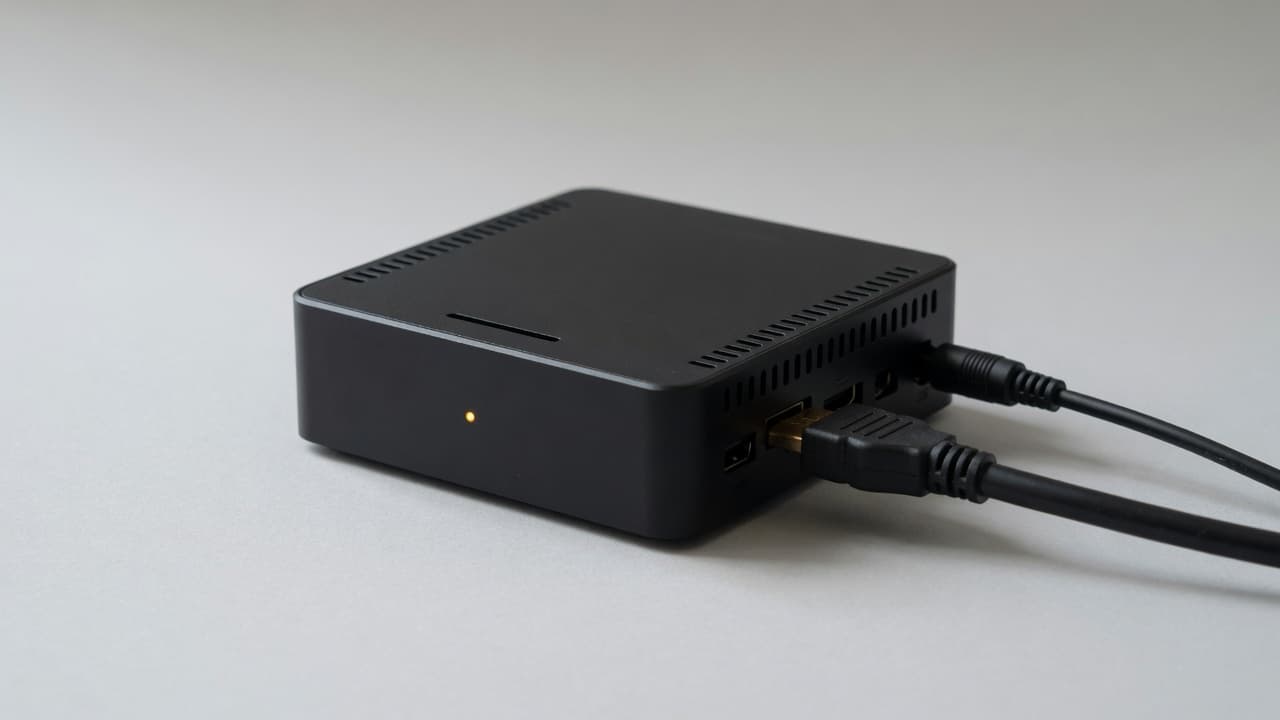
DealerSign Signage Player
Turns any TV with HDMI into a managed DealerSign screen. Plug in, enter the code, done.
- 4K-capable HDMI output, smooth 1080p video
- Plays offline from its own verified cache
- Wi-Fi and Gigabit Ethernet, outbound connections only
- Signed automatic updates with rollback
- Power supply, active cooling, industrial storage, HDMI cable and VESA bracket included
$199CA$279 in Canada · one-time · ships ready to pair
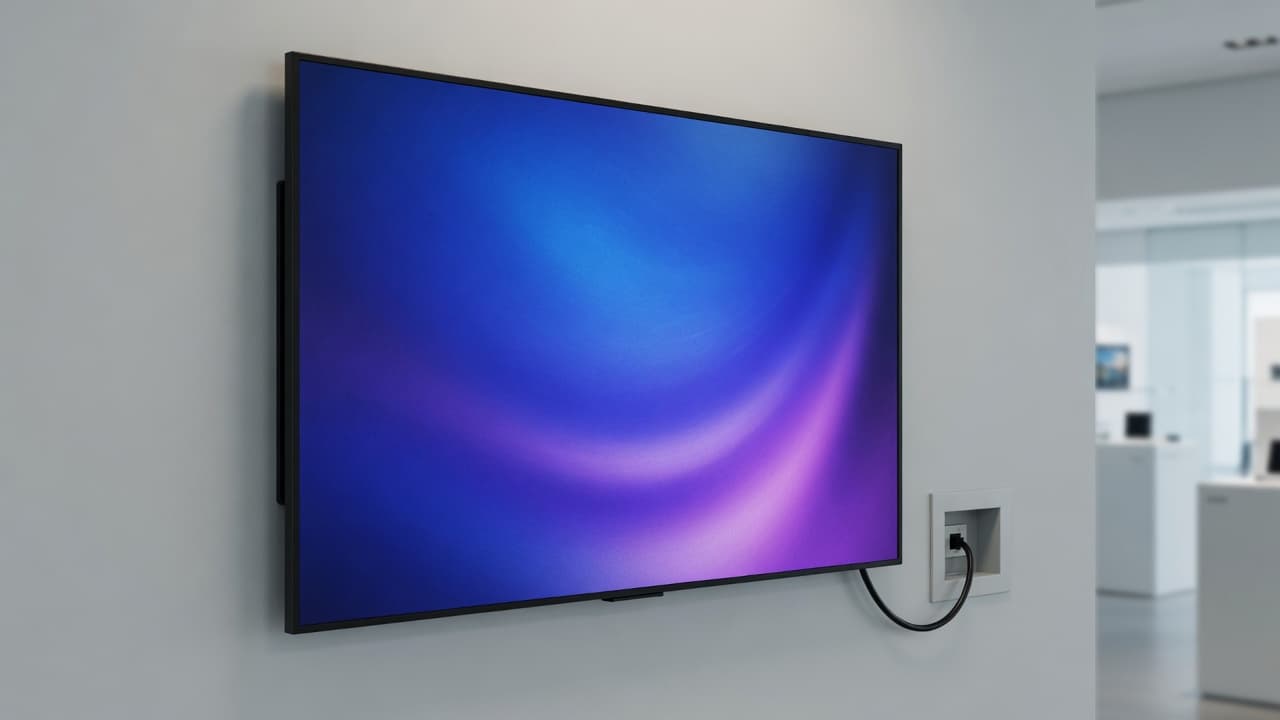
Samsung commercial displays
Runs DealerSign itself from the built-in web player over Wi-Fi or Ethernet. No player box.
- 43-inch 4K UHD commercial panel, landscape or portrait
- Connects to DealerSign directly over Wi-Fi or Ethernet (built-in web player), no Signage Player needed
- Scheduled power on/off
- Commercial warranty
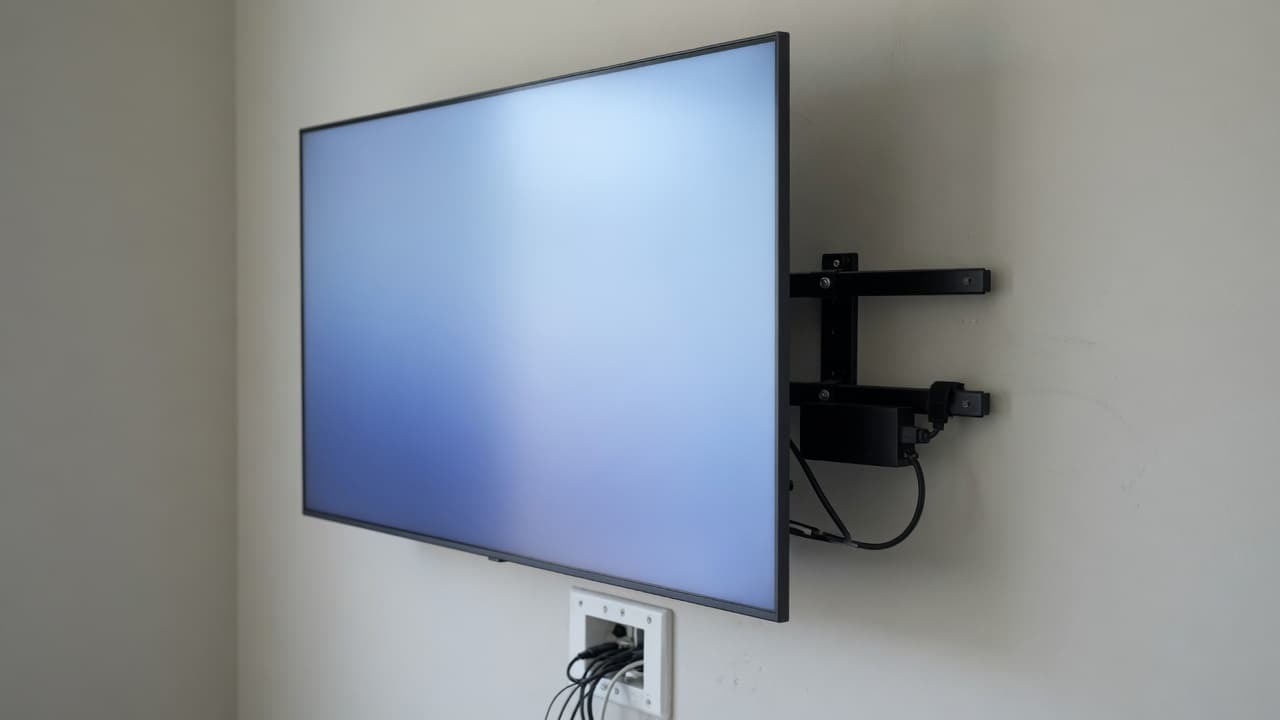
Commercial 4K displays + Signage Player
A lower-cost 4K commercial panel driven by the Signage Player. One player per display is required and added to every quote.
- 43-inch 4K UHD commercial panel, landscape or portrait
- Includes HDMI input for the Signage Player (required)
- Rated for extended daily operation
- Commercial warranty
Low-profile wall mounts
Tilting VESA wall mount sized for 43" displays, with cable management and a bracket for the Signage Player.
- 43" · $59 / CA$79
- 55" · $79 / CA$109
- 65" · $99 / CA$139
Who it’s for
Built for the people who run the business.
Owners and managers
One location or ten. Every screen managed from one dashboard, and nothing airs until a manager approves it.
Front desks and service teams
Status boards, “ready” texts and bookings that never overlap, so the line moves calmer.
Groups and franchises
Groups across locations, roles per location, one report for the whole fleet.
Installers and IT partners
Scan-to-pair setup, a technician app, remote diagnostics without a remote shell.
DealerSign is new. We don’t show customer logos or testimonials we don’t have yet. Start a trial and judge it on your own screens.
FAQ
Questions owners ask.
Do I need new TVs?
No. Keep the TVs you have: plug an Amazon Fire TV Stick or the $199 Signage Player into any TV with an HDMI port, enter the code it shows, and the screen is managed by DealerSign. Buying new? Samsung commercial displays connect directly over Wi-Fi or Ethernet with no box at all.
Does DealerSign work with an Amazon Fire TV Stick?
Yes. DealerSign is Amazon Fire TV Stick compatible: plug the stick into any TV, install the DealerSign Player app and pair it with the code on the screen. The step-by-step install guide is in your dashboard as soon as you sign up. The app starts by itself after a power cut, heals itself if anything stalls and plays offline from its cache.
How many screens does a plan include?
Each player or screen requires a license. Standard ($29 a month) includes 1 player license with AI Signage Studio Lite. Pro ($49 a month) includes 2 player licenses with the full AI Signage Studio. Add player licenses to either plan for $10 a month each, in any quantity. Each screen has its own player: a Fire TV Stick, a Signage Player or a commercial display's built-in player.
What happens if the internet goes down?
Nothing your customers will notice. Every Signage Player keeps a verified copy of its content and its schedule, so it keeps playing the right thing at the right time. When the connection comes back it catches up on its own.
Which displays work directly, without a player?
Samsung commercial displays and other professional signage displays with a built-in web player: Samsung Tizen displays (URL Launcher), LG webOS signage, BrightSign players, Android TV displays with the DealerSign Player app, and any Chrome or Chromium kiosk. See the compatibility page for details.
How does the AI Signage Studio work?
On the 1st of every month it designs promotions for your business, each location and the season, then emails you to review them. You edit, preview on a real screen layout and approve. Nothing appears on a screen until someone on your team approves it.
What is AI Video Studio?
AI Video Studio makes short cinematic videos for your screens and social channels. Pick what the video is for, add an idea if you have one, and it writes a shot-by-shot storyboard from what it knows about your business. You can change every shot, then make the video; it is ready in minutes and lands in your media library. Your first video is free.
How much do videos cost?
Your first video is free (720p). After that, video credits start at US$19 for one video, with packs of 5 for US$79 and 10 for US$139. Each credit makes one video up to 15 seconds in up to 1080p and includes 3 edits. Credits never expire, and a video that can't be made gives its credit back.
Can the video show my prices and logo?
Videos are made without text, so they always look clean. Put your headline, price, QR code and logo on top with a video slide: your words stay sharp and you can change them any time without remaking the video.
Can I control what each department shows?
Yes. Put every screen in a department, such as Entrance, Front Counter, Waiting Room, Dining Room or Showroom, and choose which kinds of content each department may show. Group screens across locations and schedule content to a department or group in one step.
Can customers book or get a text from the screen?
Yes, with Customer Connect. Every screen can show a QR code. Customers scan it, sign in with a one-time text code, book from your services at a time that is actually free, and get a text the moment they’re ready. Your team gets an email for every request and a daily agenda.
Can several screens work together?
Yes. Each screen has its own player, so each can show its own content. Put screens in a synced group to carousel one loop down a row of screens, change a menu board across every panel at once, or play one picture across a video wall.
Can displays turn off when we close?
Yes. Set business hours and holidays per location, department or screen. Displays switch on before opening and to standby after close over HDMI-CEC, RS-232 or the display’s own network control, and you can turn any display on or off from the dashboard. The player itself stays on, so content is ready the moment the display wakes.
Can the screens play music?
Yes. Internet radio is included in every plan: choose from more than 50,000 free stations by genre, country or name, pick different music for each room, and set the volume, mute or quiet hours from the dashboard. Playing music where customers hear it is a public performance: in Canada that needs SOCAN and Re:Sound licences, which many businesses already hold for their sound system.
Do you install?
In Ontario, yes: certified installers mount displays, run a dedicated 120V circuit and Cat6 from your server room, priced by the foot with a 100 ft minimum. Everywhere else, setup is do-it-yourself with scan-to-pair and printable setup cards for every screen.
Is there a contract?
No. Plans are billed monthly or yearly, and you can add player licenses, switch plans or cancel at any time from your dashboard. Hardware is a one-time purchase that you own.
Light up every screen in your business.
Start a 14-day trial with the full AI Signage Studio. Pair your first screen today.