Digital signage for restaurants
Menus, specials and waitlists that update themselves.
Change tonight’s specials from your phone and every screen follows. Brunch switches to dinner on schedule, guests join the waitlist by QR and get a text when their table is ready.
- Digital menus
- Daily specials
- Waitlist texts
- Brunch to dinner on schedule
- Background music
From $29 per screen per month · Works with the TVs you have · No contract
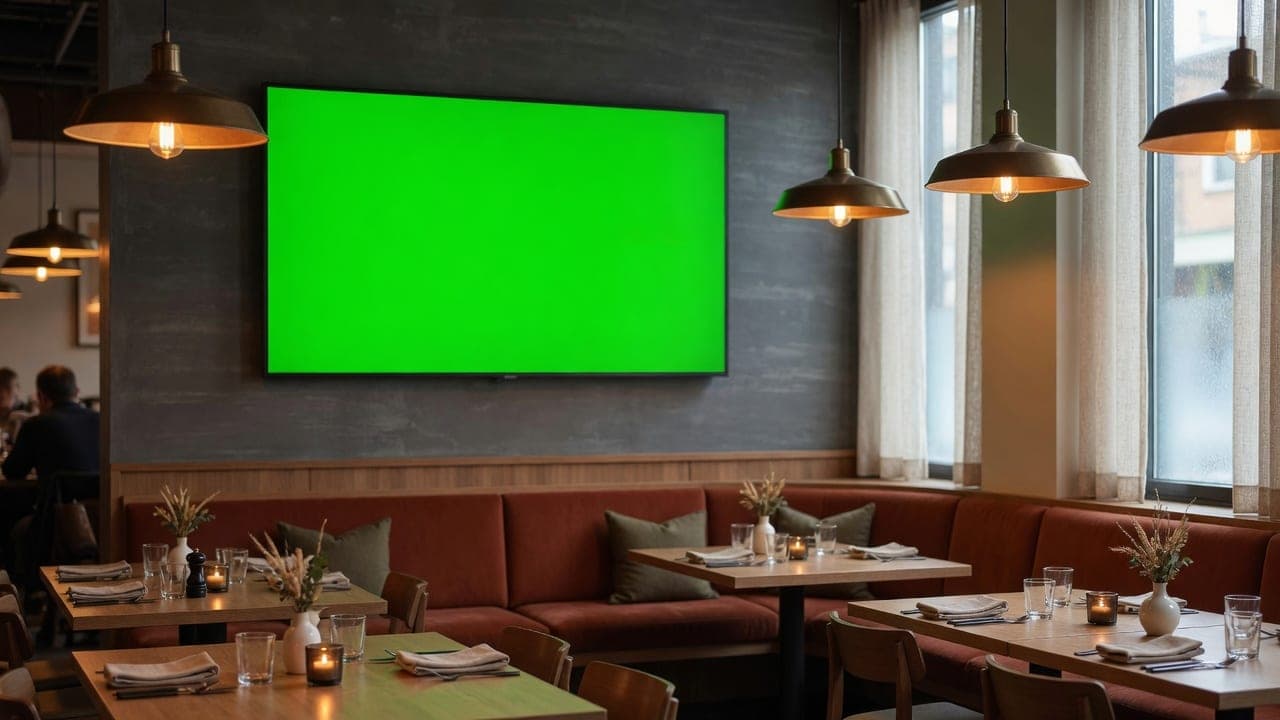
A fictional restaurant, playing on the real DealerSign player.
Sound familiar?
What changes for your restaurant.
Reprinting menus every time a price or dish changes.
Edit the menu once in the dashboard or a Google Sheet; every screen shows it within a minute.
A crowded entrance and guests asking how long the wait is.
Guests scan to join the waitlist and get a text when their table is ready.
Specials nobody notices.
Specials, events and private-dining offers rotate on the screens guests already look at, written with you by the AI Signage Studio.
Every area
The right screen in the right place.
What plays in each part of your restaurant, all managed from one dashboard.
Entrance
A welcome, today’s specials and the waitlist QR code.
Dining room
Chef’s specials, events and the dessert menu, switching from lunch to dinner on schedule.
Bar
Cocktail and wine list, happy hour that turns itself on and off, the game schedule.
Takeout counter
Order-ready board and the takeout menu with prices.
Kitchen
Prep notes and timers where the line can read them.
Built in
Everything a restaurant needs on its screens.
Your menu, always current
Connect a Google Sheet, CSV, JSON, XML or RSS feed, or type it in: your menu with photos and prices updates on every screen by itself.
How it works: Your menu, always currentAI-designed specials
Every month the AI Signage Studio drafts specials for your restaurant, location and season. Edit any word or photo; nothing airs until you approve it.
How it works: AI-designed specialsInternet radio, included
More than 50,000 free stations by genre or country, different music per area, volume and quiet hours from the dashboard.
How it works: Internet radio, includedWaitlist by text
Guests scan the screen, join with their phone number, and get a text when your table is ready. No app to install.
How it works: Waitlist by textThe right content at the right hour
Schedule content by day and time: morning, lunch, happy hour, evening. It switches on its own, even offline.
How it works: The right content at the right hourScreens that keep your hours
Displays switch on before you open and off after you close, and you can turn any screen on or off from your phone.
How it works: Screens that keep your hours
Plus the date, time, weather and news on the screen border, emergency messages to every screen, proof of play, remote screenshots and the full list on the features page. Every plan includes every feature.
Pricing
Simple pricing per screen.
No contract. Use the TVs you have with the Signage Player ($199 one-time) or a Fire TV stick, or connect a Samsung commercial display with no box.
Standard
Everything to run every screen, with AI Signage Studio Lite
$29/ screen / month
Billed monthly, cancel any time
Start 14-day free trialPro
The full AI Signage Studio for every location
$49/ screen / month
Billed monthly, cancel any time
Start 14-day free trialEvery trial includes Pro for 14 days and 3 screens. No card needed to start. *Fair use applies to assistant conversations.
FAQ
Questions restaurants ask.
Can the menu change by time of day?
Yes. Schedule breakfast, lunch, happy hour and dinner content by day and time; screens switch on their own and keep doing it offline.
How does the waitlist work?
Guests scan the code at the entrance and enter their name and phone number. When a table is ready, staff tap “ready” and the guest gets a text.
Can I edit prices from my phone?
Yes. The dashboard works on a phone. Change a price or sold-out item and the screens update within a minute.
How much does it cost?
Standard is $29 per screen per month ($290 a year) and Pro with the full AI Signage Studio is $49. No contract: add screens or cancel any time. Hardware is a one-time purchase you own.
Do I need new TVs?
No. Plug the Signage Player ($199 one-time) into any TV with HDMI, use a Fire TV stick, or connect a Samsung commercial display directly with no box. Setup takes about 10 minutes: scan the code on the screen and it is paired.
What happens if the internet goes down?
The screens keep playing from the player’s storage, schedules keep switching, and changes arrive when the connection is back.
Can the screens play music?
Yes. Internet radio is included: more than 50,000 free stations, different music per area, volume and quiet hours from the dashboard. Playing music where customers hear it is a public performance: in Canada that needs SOCAN and Re:Sound licences.
Menus, specials and waitlists that update themselves.
Start a 14-day trial with every feature, set up for your restaurant. Pair your first screen in about 10 minutes.