How it works
Box to playing screen in ten minutes.
- 01
Connect the screen
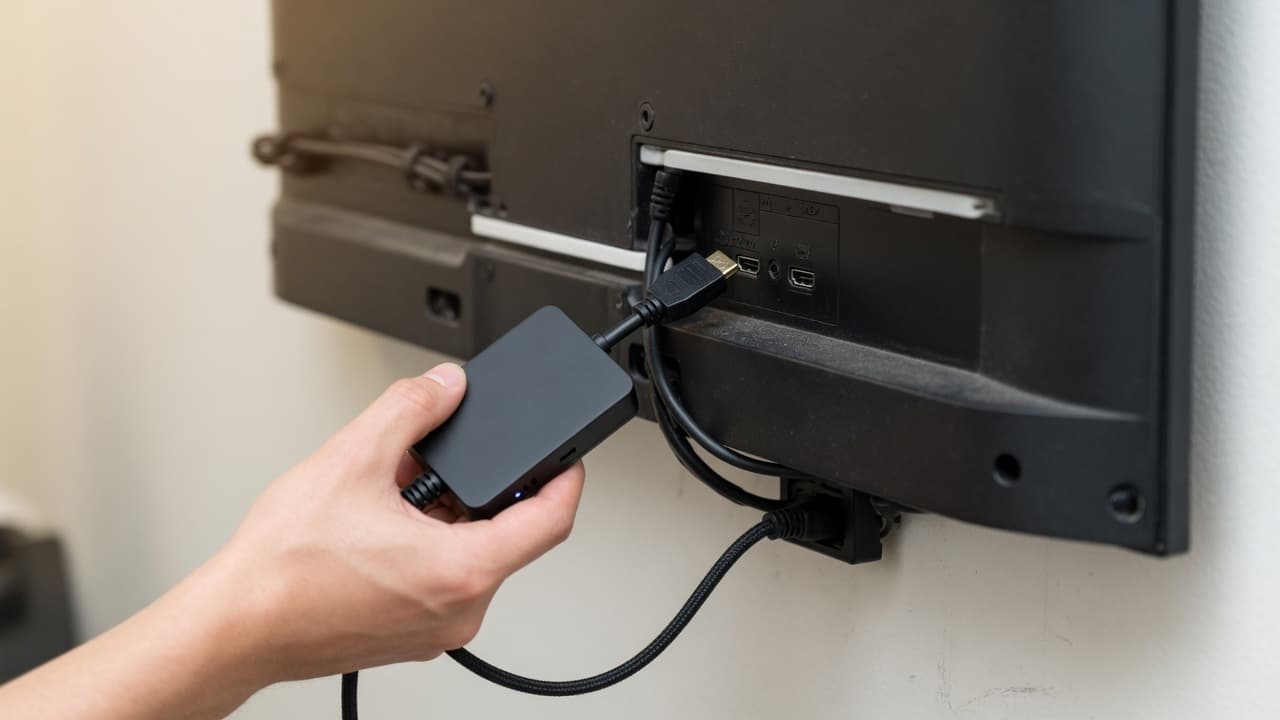
Plug the Signage Player into any TV, or point a commercial display at your display link. Wi-Fi or Ethernet, outbound connections only: no router changes, no IT visit.
- 02
Pair with a code
The screen shows a six-letter code. Type it into DealerSign, choose the location and department, and the screen is yours.
Enter this code in DealerSign
K7M-Q2P
Screens → Pair screen
- 03
Connect your inventory and approve promotions
Link your inventory feed once and every vehicle card stays current. On the 1st of each month, review the AI Signage Studio’s promotions for your store and season and approve the ones you like.
AI Signage Studio · November4 to reviewWinter tire changeoverService Lane · SpringfieldApproveBlack Friday SUV eventShowroom · all locationsApproveBattery check: $0Service Lane · RiversideApproveHoliday hoursWaiting RoomApproveNothing airs until a manager approves it.
- 04
Schedule by department and walk away
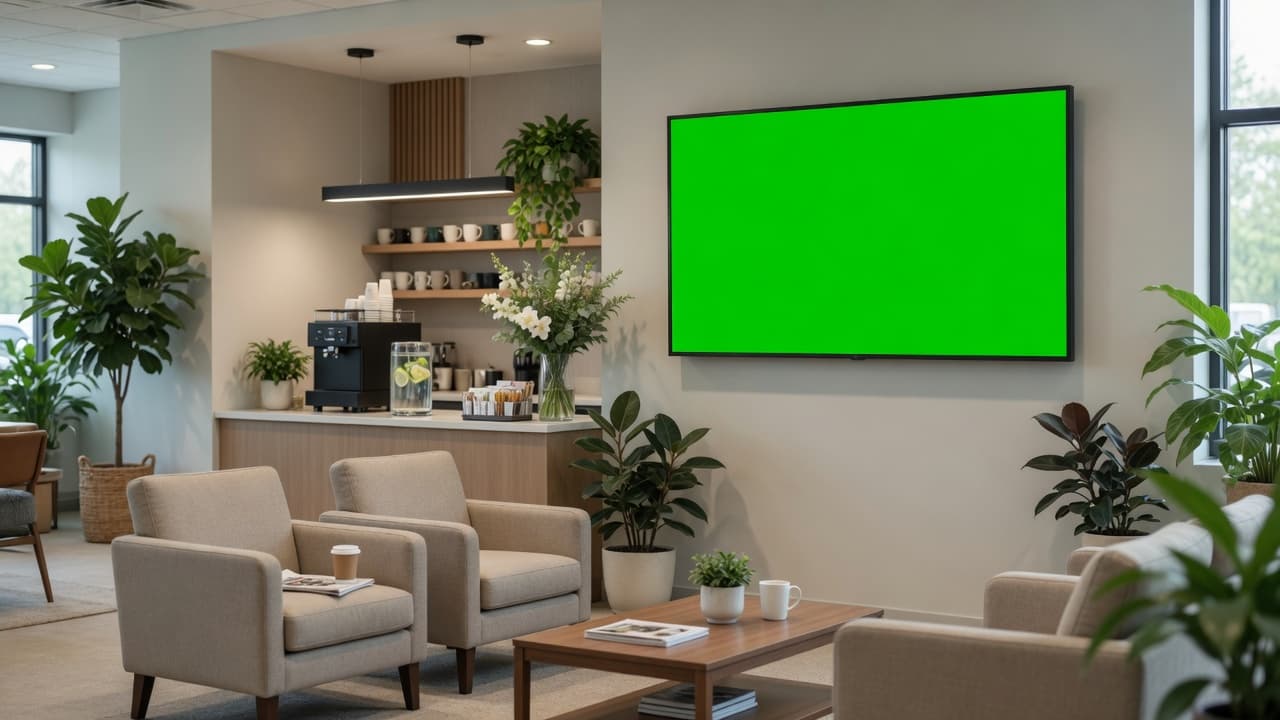
Service specials on every Service Lane screen in every location, the sales event on Saturday, branding after hours. Screens keep playing even when the internet does not.
Live · waiting room
Choose your hardware
Retrofit or direct
Option 1 · RetrofitKeep your TVs. Add the Signage Player.
Any TV with HDMI becomes a managed DealerSign screen. Plug the player in, power it on, type the six-letter code it shows into your dashboard. Live in ten minutes, no IT visit, no router changes.
- Works with the TVs you already own
- Plays offline from a verified cache
- Wi-Fi or Ethernet, outbound only
- Signed automatic updates
 Option 2 · Direct
Commercial displays, no box at all.
Samsung commercial displays and other professional signage displays run DealerSign straight from their built-in web player over Wi-Fi or Ethernet. Point the display at your DealerSign link, pair it with a code and manage it like every other screen.
- Samsung Tizen (URL Launcher)
- LG webOS signage
- BrightSign and Android players
- Any Chrome kiosk
Light up every screen in your dealership.
Start a 14-day trial with the full AI Signage Studio. Pair your first screen today.